

Keeping a clear record of file activity is critical for sensitive legal documents. LollyDrive automatically logs every interaction, giving your firm a reliable audit trail.
Activity History
Every file and folder in LollyDrive records a complete activity history. This includes uploads, downloads, and updates, along with the user who performed the action and a timestamp.
With this information, your team can always see exactly who accessed or interacted with a file and when. For sensitive immigration documents, this provides an operational safeguard and confidence that your files are being handled appropriately.
View Activity for a File or Folder
To review the activity for a specific document or folder:
Locate the file or folder in LollyDrive.
Click the three vertical dots next to it.
Select Details > Activity.
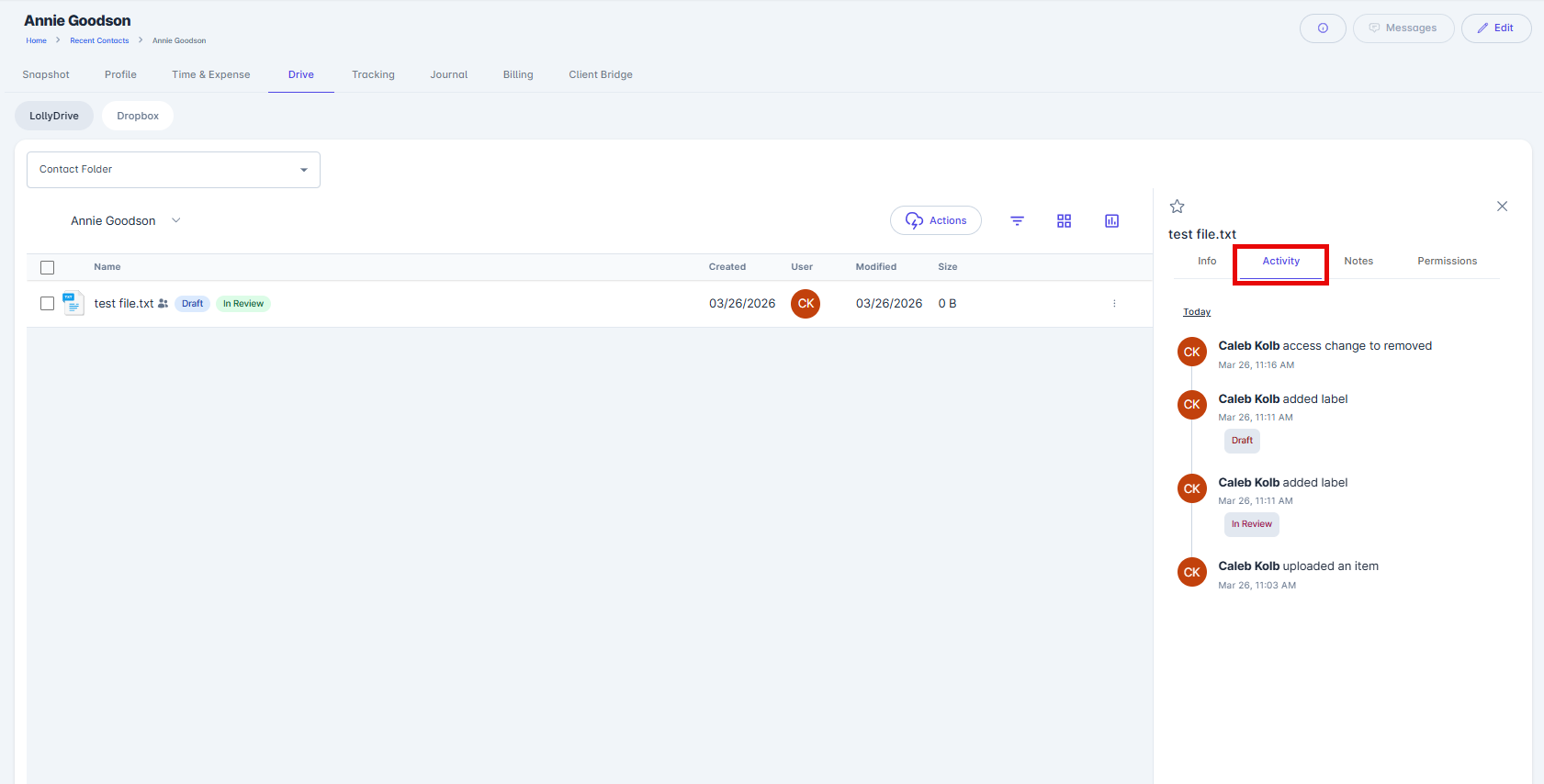
The activity view displays a full audit trail, including uploads, downloads, comments, and other interactions, along with the names of the users involved and timestamps for each action.