

Your attorney or case manager may give you access to view or complete USCIS forms or other applications in the Client Bridge Portal.
Information that your attorney or case manager has already entered on a form will be available for you to review. You do not need to enter the same information again.
Depending on the access provided by your attorney or case manager, you may be able to view forms or enter information into them.
View Forms
If your attorney’s office has given you access to view forms, follow these steps:
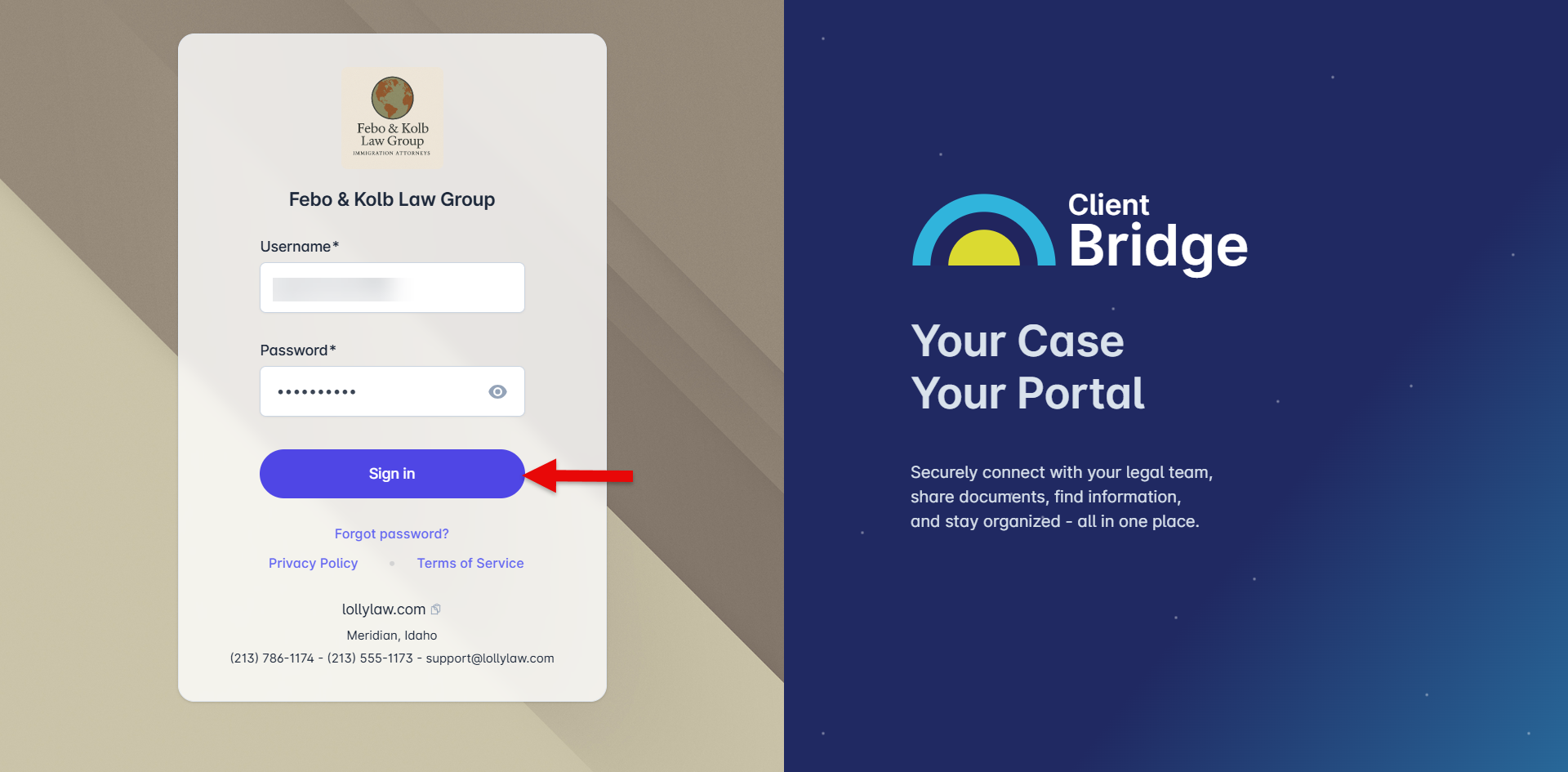
Log in to the Client Bridge Portal.
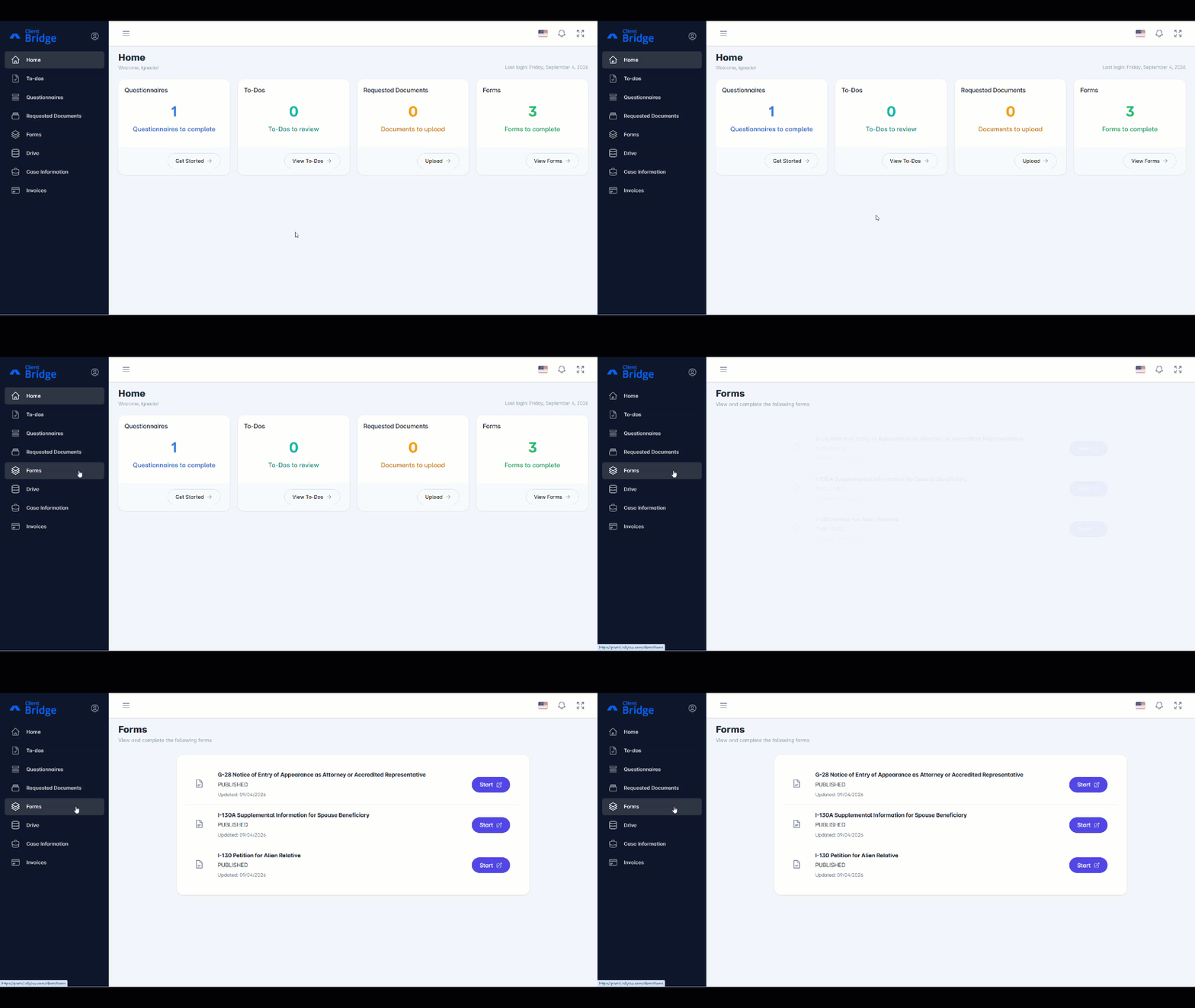
Select Forms from the left-hand menu.
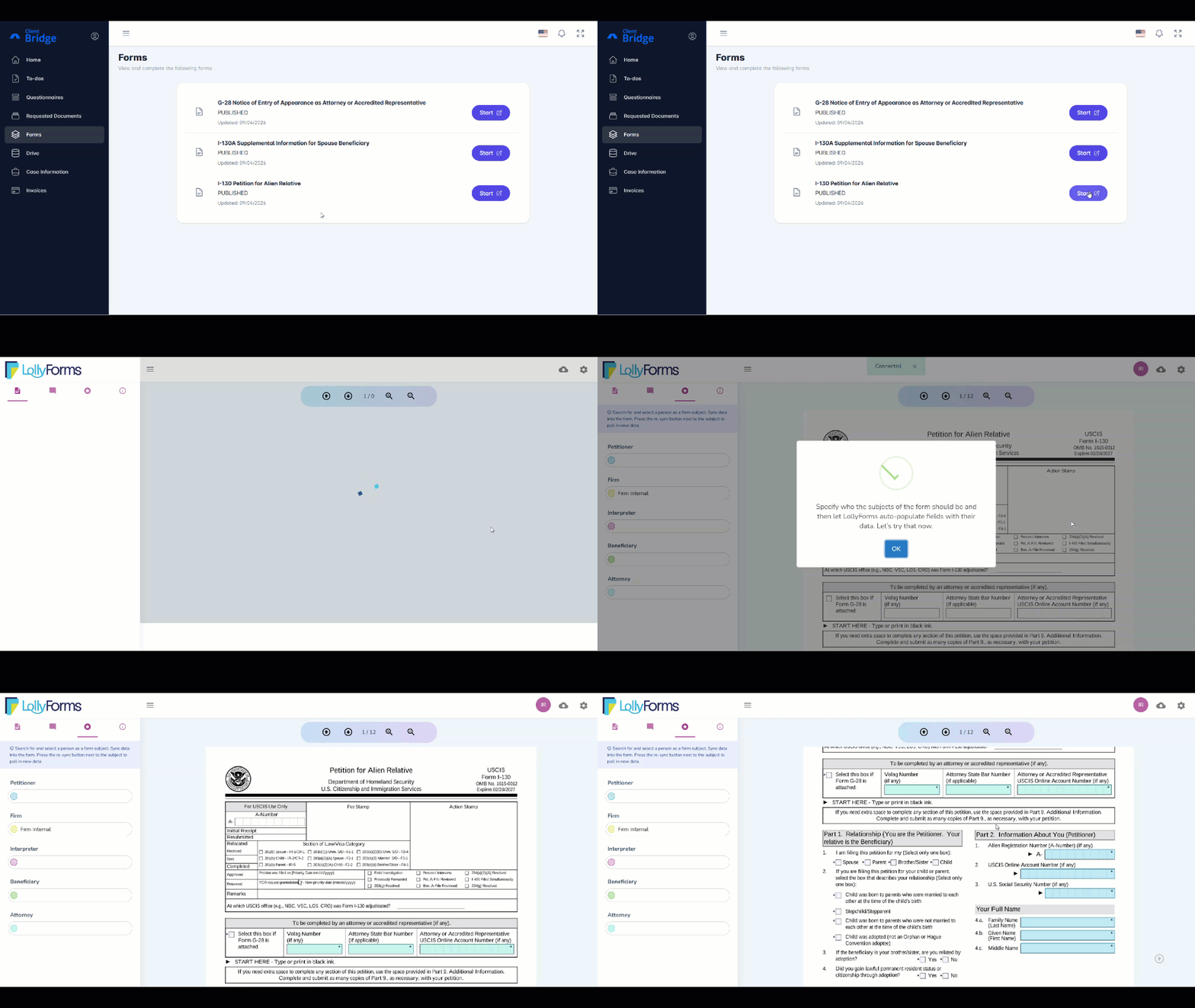
Find the form you want to view, then select Start.
The form will open in a new window. You can view the information entered on the form.
Complete Forms
If your attorney or case manager has given you access to enter information on forms, follow these steps:
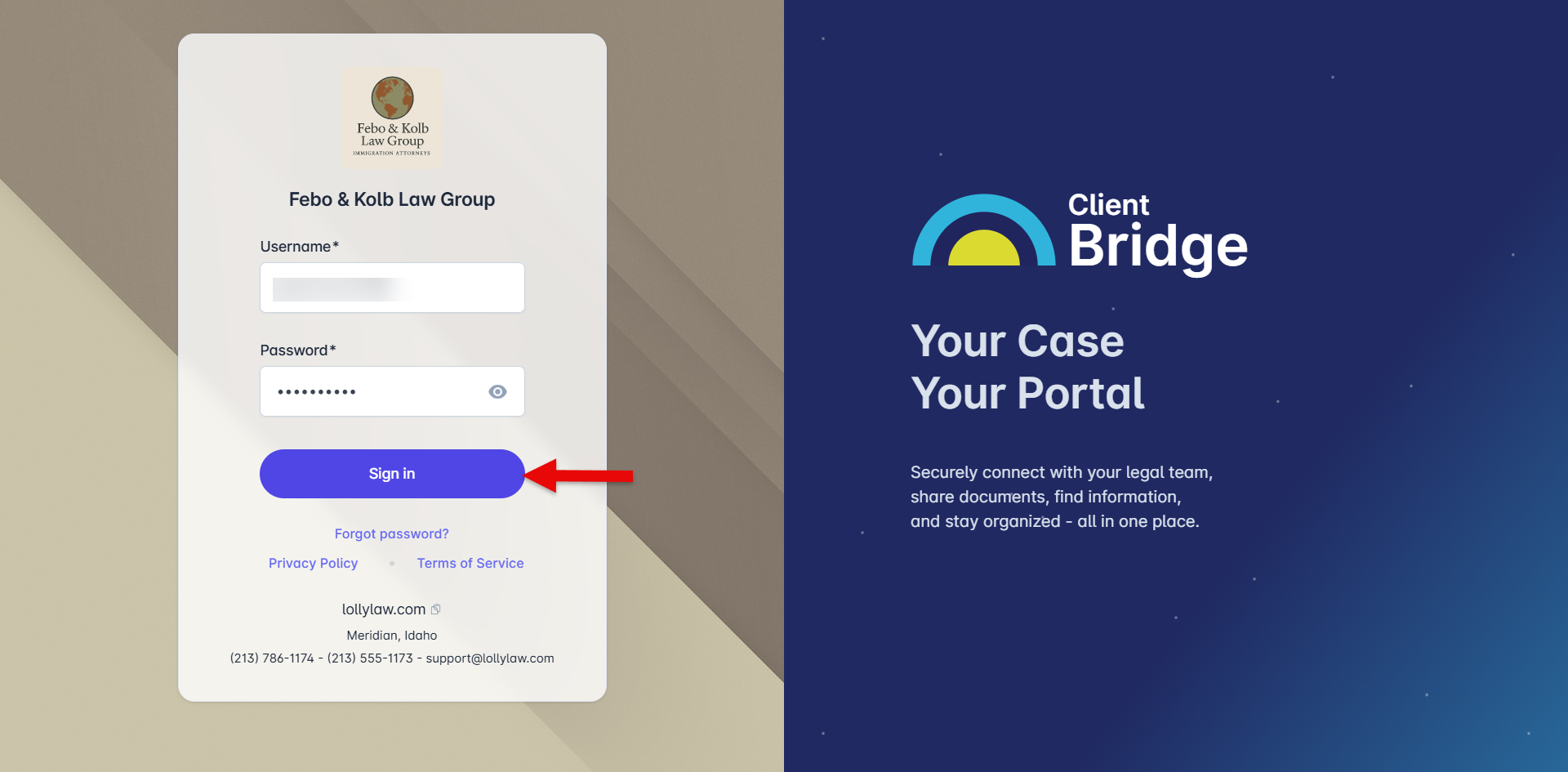
Log in to the Client Bridge Portal.
Select Forms from the left-hand menu.
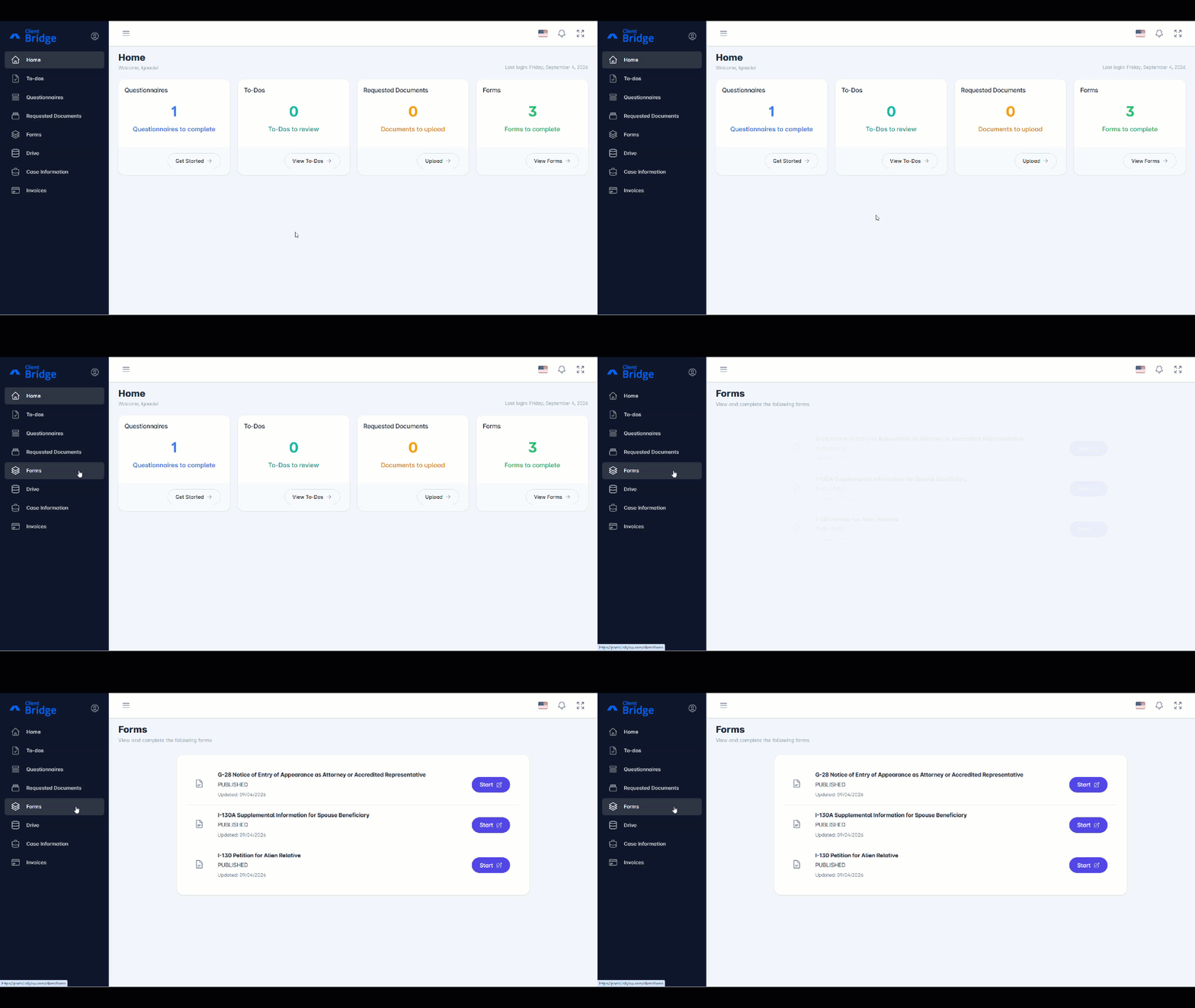
Find the form you want to complete, then select Start.
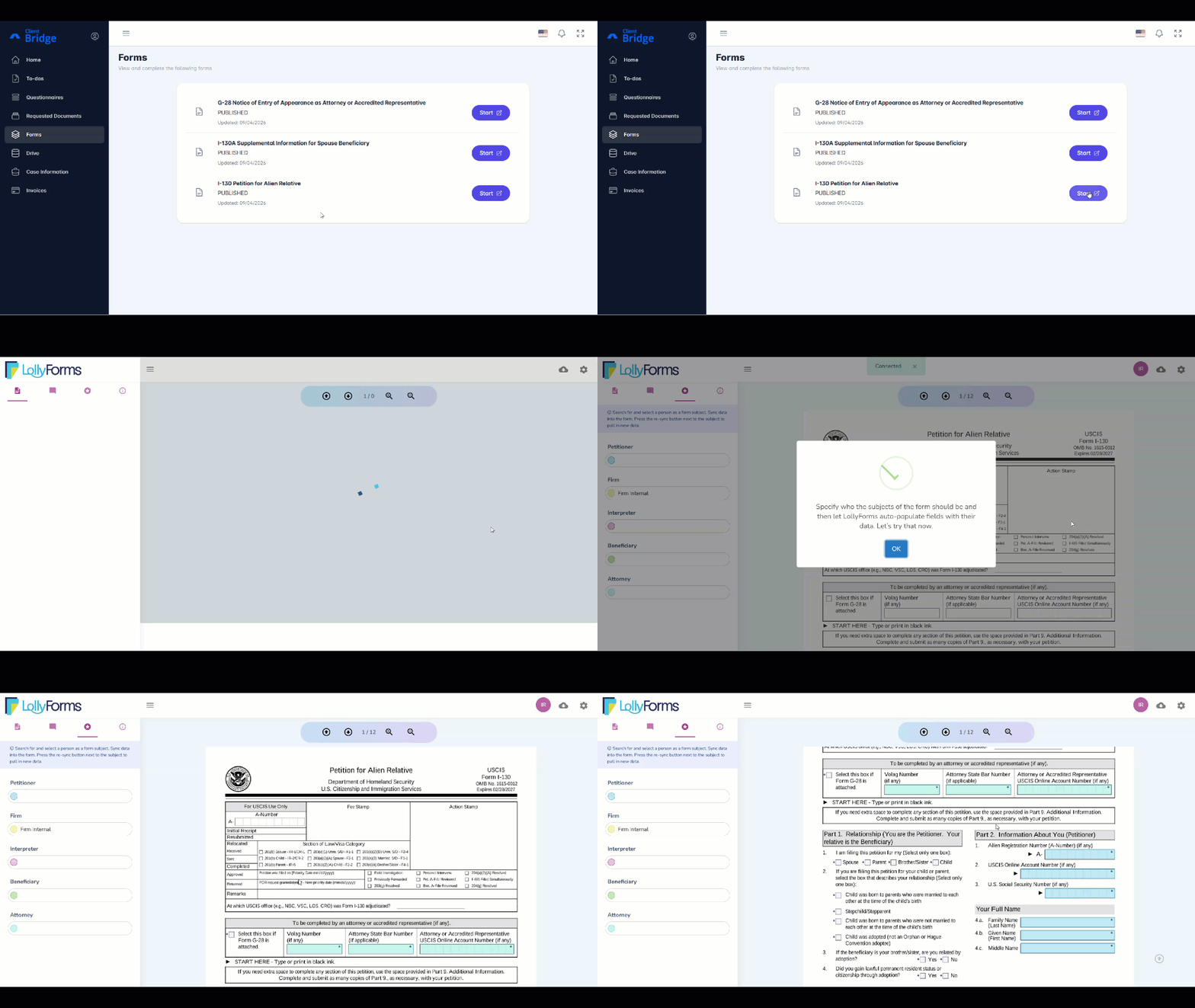
The form will open in a new window. You can enter information in the available fields.
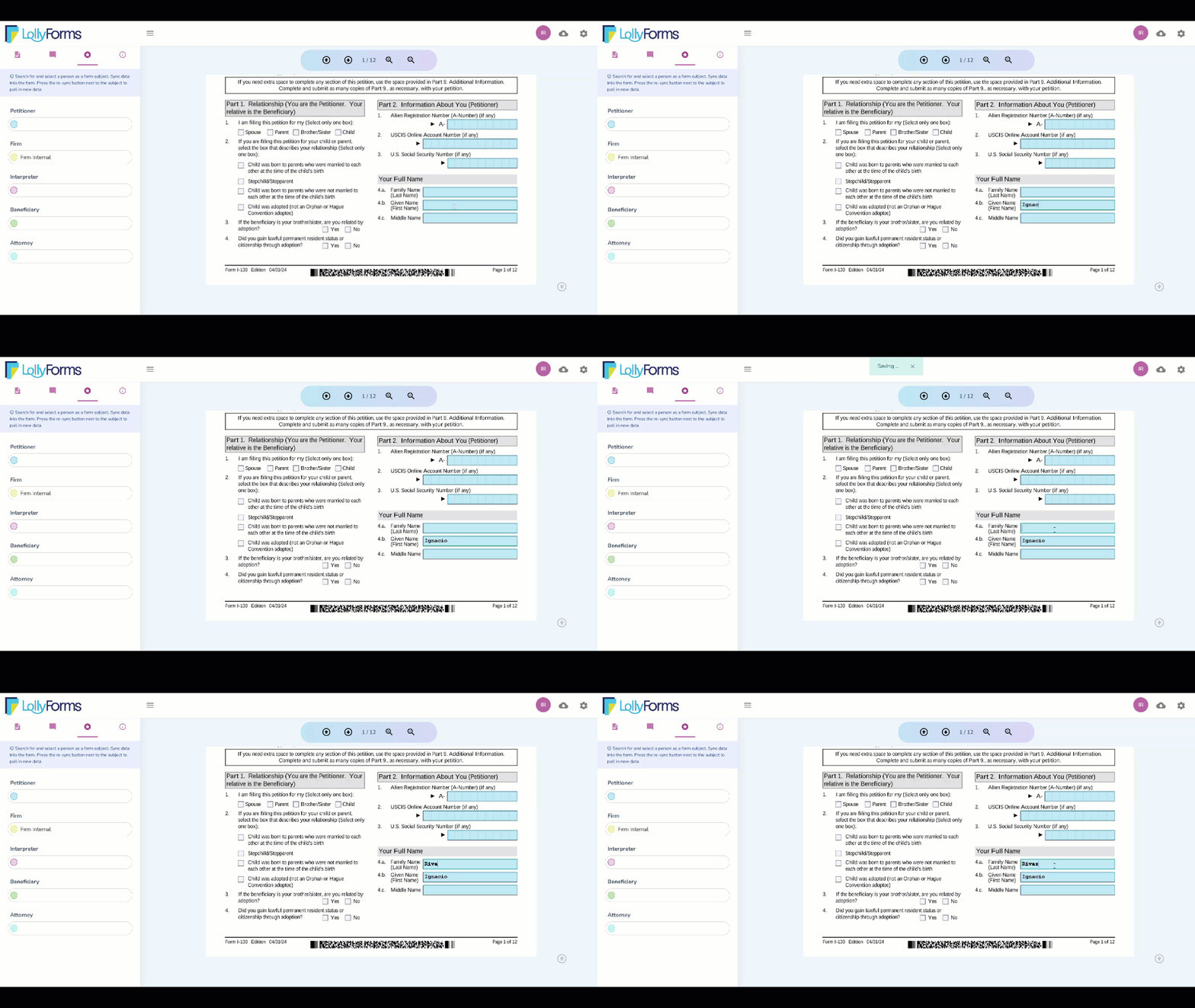
If the form already contains information, review it before making any changes. If you are not sure whether an answer should be changed, contact your attorney or case manager before making changes.
Your answers will be saved automatically.
Depending on your access level, you may be able to view forms or enter information into them. Contact your attorney’s office if you have questions about what you can do in Client Bridge Portal or what information you should enter.