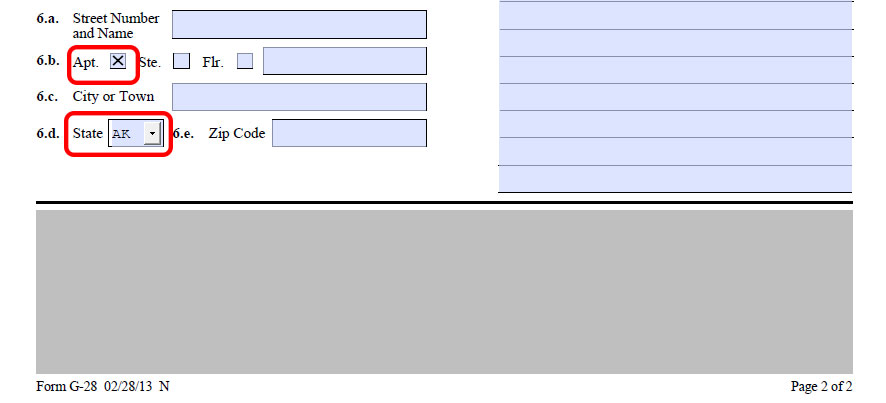

For accurate viewing, open PDFs in Adobe Reader or Adobe Acrobat. If you use another program to view PDFs, it may not display bar codes or values in some fields even if the information is in the form. For your convenience, install one of the extensions below to set your default PDF viewer.
All forms in Lolly Law have Reader Rights enabled, allowing you to make edits and save forms using Adobe Reader.
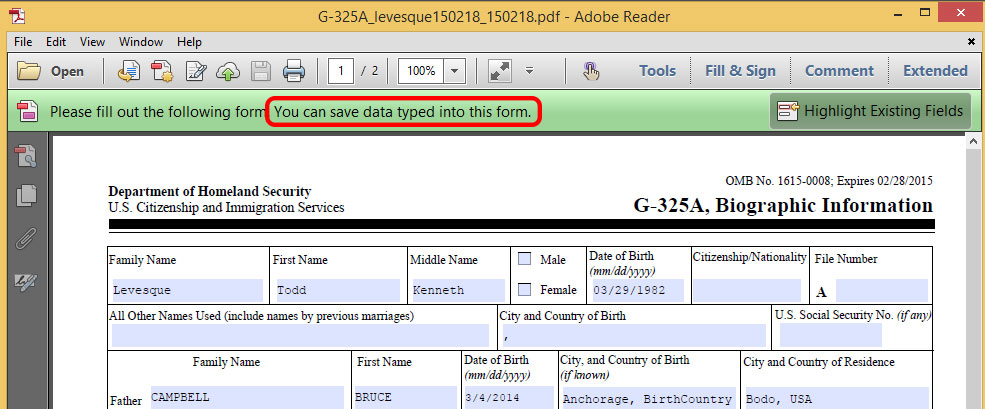
Note: Forms with PDF417 Barcodes Requires Adobe Acrobat if you want to make edits to the file.
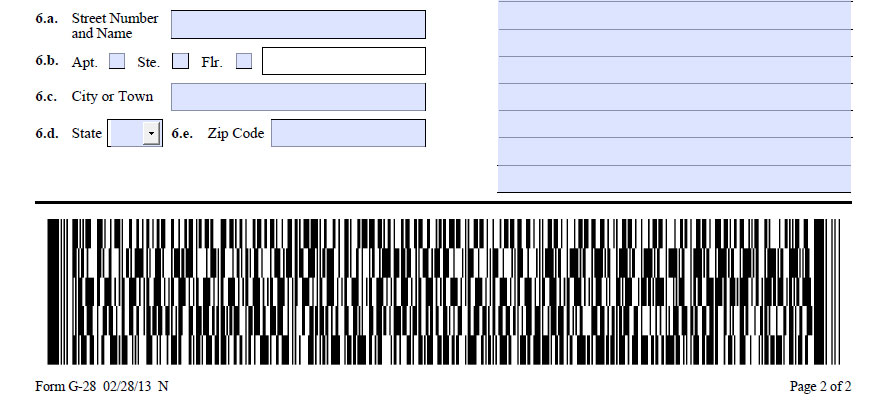
Warning: If edits are made in adobe reader to a pdf with a PDF417 Barcode the barcode will go blank.