

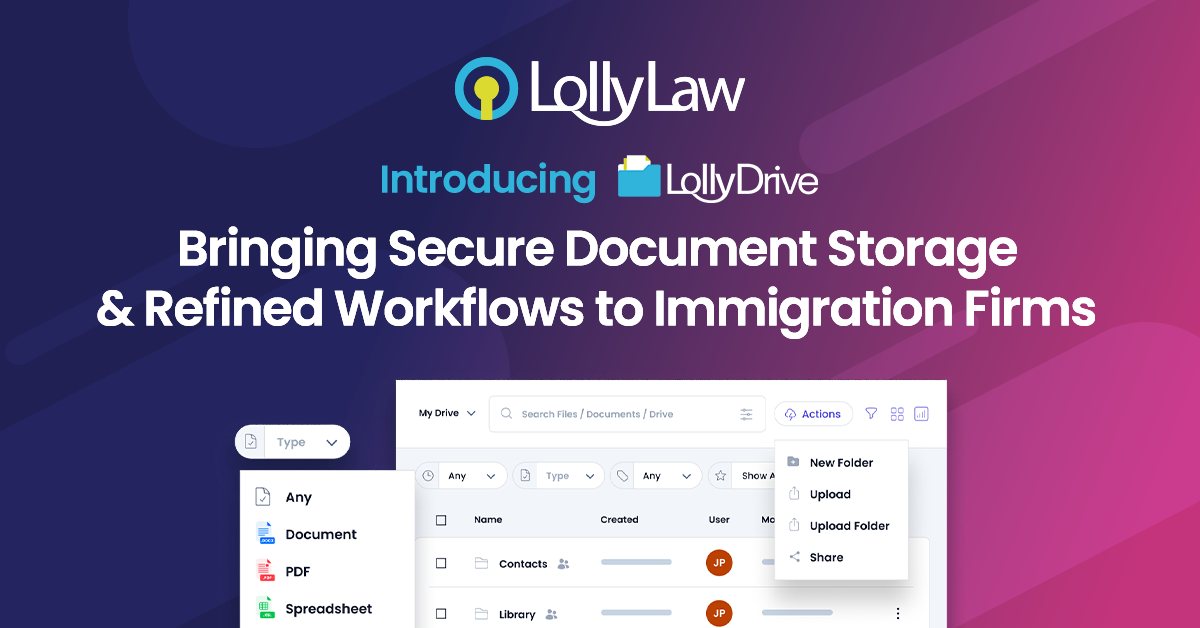
LollyDrive is LollyLaw’s native document management system (DMS), built to help immigration firms securely store, organize, and access every case file without leaving the LollyLaw platform. It was designed around the principles of centralization, searchability, controlled collaboration, client connectivity, and simplicity to make document management easy for legal teams.
Why LollyDrive?
Efficient document management is more than storing files. With LollyDrive, your firm can:
Centralize your documents – Every case document lives in one place, embedded directly in the client or case record it belongs to. No more juggling multiple storage platforms.
Search and find files instantly – Locate any file quickly using custom folders, tags, and advanced search filters.
Collaborate securely – Set permission controls, track document versions, and maintain a reliable audit trail.
Connect with clients safely – Request and exchange documents directly through LollyLaw’s secure Client Bridge, reducing reliance on email.
Simplify workflows – Upload documents with drag-and-drop functionality and organize files with clear, consistent standards.
The LollyDrive Difference
LollyDrive combines a cloud-based system with tools built for legal workflows:
Store unlimited case documents in one secure location.
Access documents anywhere without depending on local servers.
Organize documents directly within their corresponding contacts and matters.
Collaborate confidently with permissions and version tracking.
Share documents securely with clients using Client Bridge.
By integrating document management directly into LollyLaw, LollyDrive helps your firm save time, reduce errors, and keep both documents and your team fully connected.
Activating LollyDrive
To activate LollyDrive, please contact the LollyLaw Support team. LollyDrive is included at no additional cost with your LollyLaw subscription. Email support@lollylaw.com to get started and have LollyDrive enabled in your account.