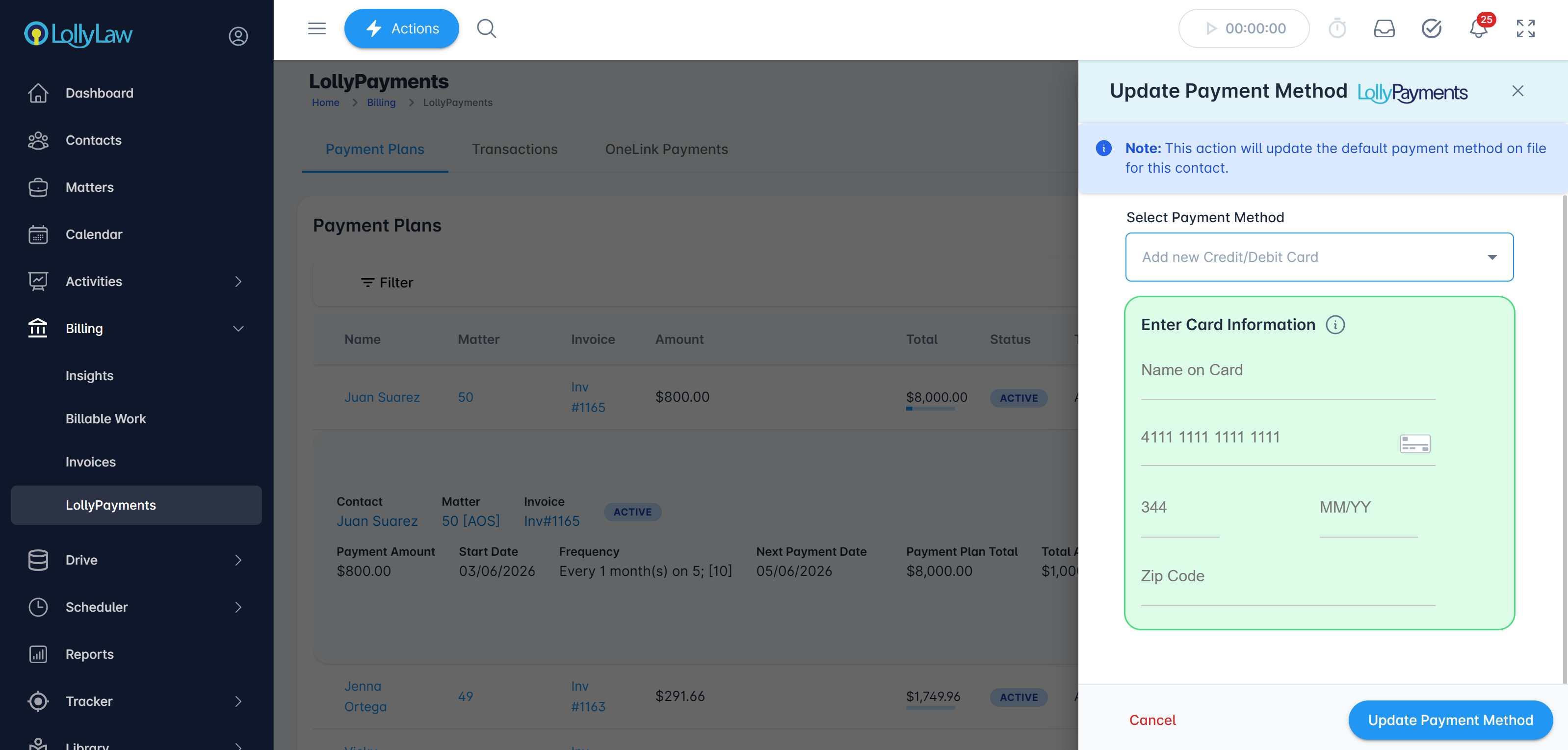

When a card on file fails it can cause an error and the payment will need to be re-processed with a new card. When you follow up with your client it is easy to update the card on file in Lolly Law. Please allow up to (5) five minutes for the change to occur.
How to update the Credit Card for a scheduled payment:
Go to Billing>LollyPayments
Locate the scheduled payment
Press the ⋮ more options button
Select Update Payment Method
Input the new Credit Card details and save